- Rust 97.9%
- Just 2.1%
| .github/workflows | ||
| packaging/systemd | ||
| src | ||
| tests | ||
| .gitignore | ||
| .rustfmt.toml | ||
| Cargo.lock | ||
| Cargo.toml | ||
| justfile | ||
| LICENCE | ||
| README.md | ||


rusbee
Remote usbip device management
Rusbee is a remote management interface over usbip making it easy to share USB devices over the internet, from one
Linux machine to another.
Rusbee runs as a daemon on the host machine next to the physical USB devices, and another machine uses rusbee device *
to list, bind, attach, detach, and generally manage those devices.
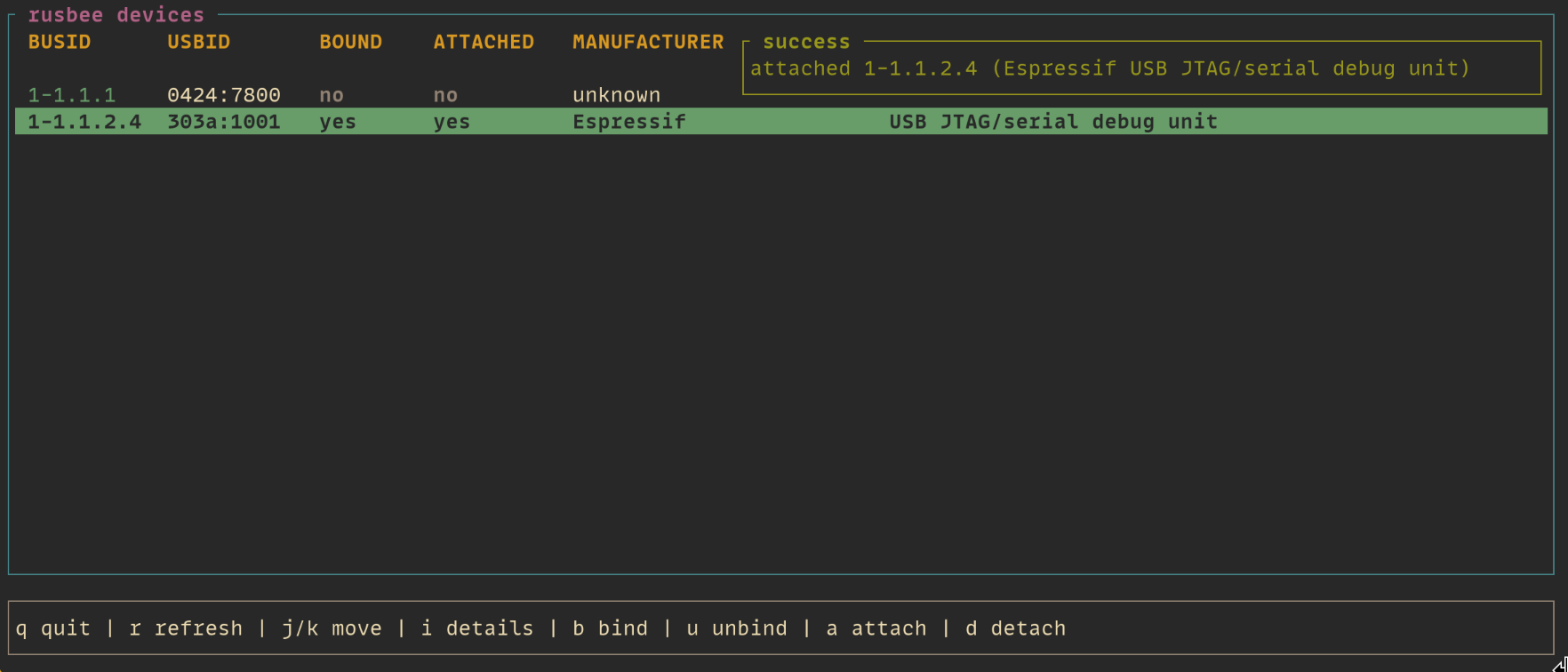
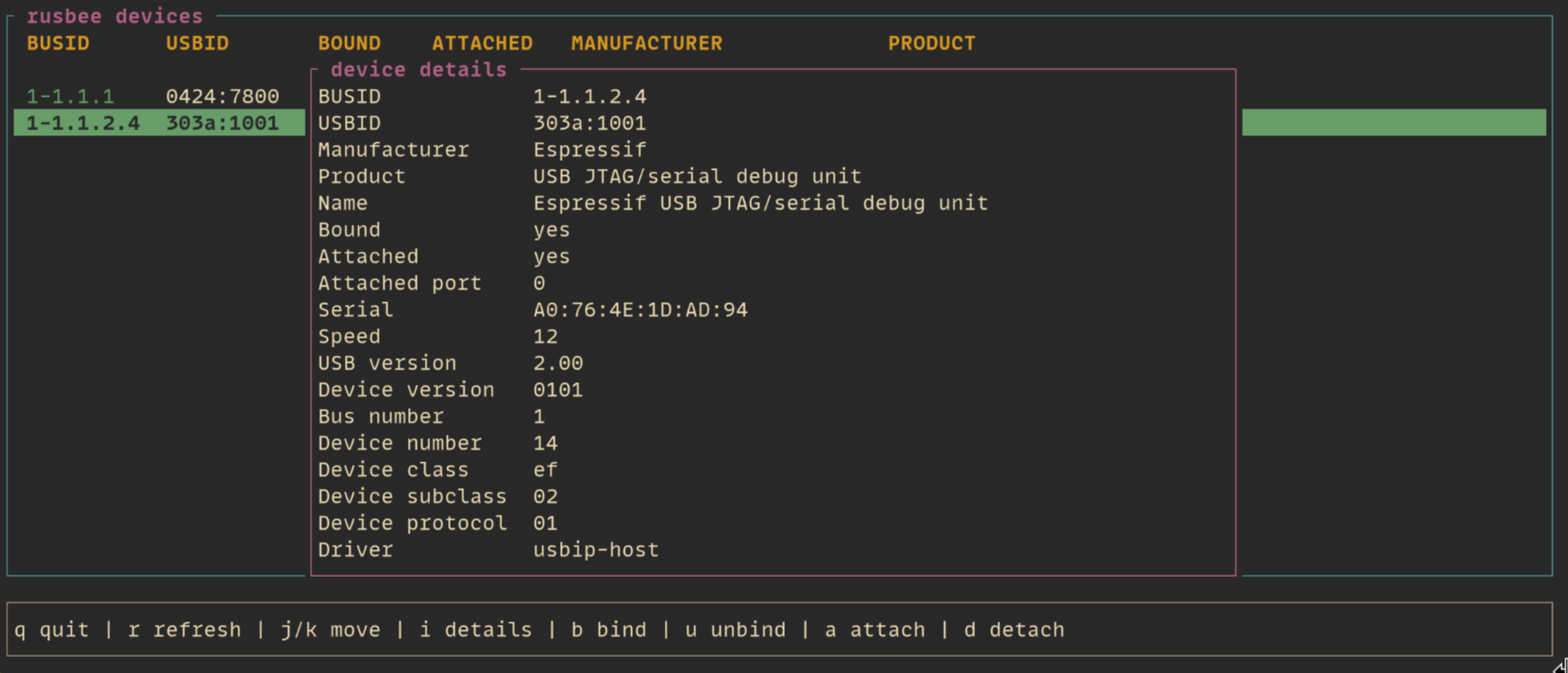
If you run rusbee with no subcommand, you get an interactive TUI.
 |
 |
Under the hood, rusbee leans on the system usbip tooling rather than trying to replace or re-implement it - so you
will need to have that installed and running.
Why?
I built this to solve a use-case I had in my home workspace: I have two desks, one for my software development setup and another as a workbench. On the workbench I often have in-progress projects that use micro-controllers and I wanted a way to connect, debug, and flash them without running a long cable between my desks.
This allows me to run a Raspberry Pi on the workbench to which I can attach any device under development and remotely connect to it from my main work machine.
How it fits together
The server side exposes a minimal HTTP API for listing devices and handling bind and unbind operations. The client side
talks to that API and then performs local attach/detach operations with usbip on the machine you are sitting at.
In practice, the server host needs access to the physical devices and runs rusbee server as root. The client host
needs usbip available so it can attach and detach exported devices. Authentication is done with a bearer token unless
you explicitly disable it with --no-auth - however note that the actual usbip attachment is unauthenticated once a
device has been bound.
Installation
You can download the release artifact from the GitHub releases page and then place it somewhere on your path.
If you plan to use the systemd unit included in this project then I would recommend placing it at
/usr/local/bin/rusbee.
Important: This tools depends on usbip - you need to have it installed and available on both machines you intend
to use this with. You can typically install usbip through your distributions native package manager.
Note that there are release artifacts compiled for glibc-2.31 to allow working on older Raspberry Pi OS versions.
Quick start
On the machine with physical USB devices, start the server as root:
rusbee server --host 0.0.0.0 --port 7878 --token "replace-me"
# or
rusbee server --host 0.0.0.0 --port 7878 --no-auth
On the client machine, point rusbee at that server and list devices:
rusbee --server http://your-server:7878 --token "replace-me" device list
Or open the TUI:
rusbee --server http://your-server:7878 --token "replace-me"
Configuration
Rusbee can read named targets from config so you do not have to keep typing --server and --token. The client config
path follows XDG conventions, so it lives at $XDG_CONFIG_HOME/rusbee/config.toml or ~/.config/rusbee/config.toml.
When running rusbee server as root, rusbee will also load server config from /etc/rusbee/config.toml.
A typical config looks like this:
[targets.home-lab]
address = "http://192.168.1.50:7878"
token = "replace-me"

[server]
host = "0.0.0.0"
port = 7878
token = "replace-me"
Then you can run:
rusbee --target home-lab
If multiple targets are configured and you do not pass --target, rusbee will prompt you to choose one.
Running as a systemd service
If you want the server to start automatically on boot, there is a systemd unit in this repo at
packaging/systemd/rusbee-server.service.
Copy packaging/systemd/rusbee-server.service to /etc/systemd/system/rusbee-server.service, then reload and enable
it:
sudo systemctl daemon-reload
sudo systemctl enable --now rusbee-server
When the service runs as root, rusbee server reads server configuration from /etc/rusbee/config.toml. Make sure you
have the necessary config or the systemd unit will not start correctly:
# /etc/rusbee/config.toml
[server]
host = "0.0.0.0"
port = 7878
token = "something-very-secure"
Also note - the systemd unit by default assumes rusbee is installed to /usr/local/bin/rusbee. Either place your rusbee
binary there or edit the unit file to specify the path to the binary on your system.